For gaming lounges
Gaming Lounge Management Software
Gaming lounge management software for PS5, Xbox and PC setups, with timed sessions, food orders sent to the kitchen and one bill per group.
playdesk for gaming lounges
For console lounges where people come in groups
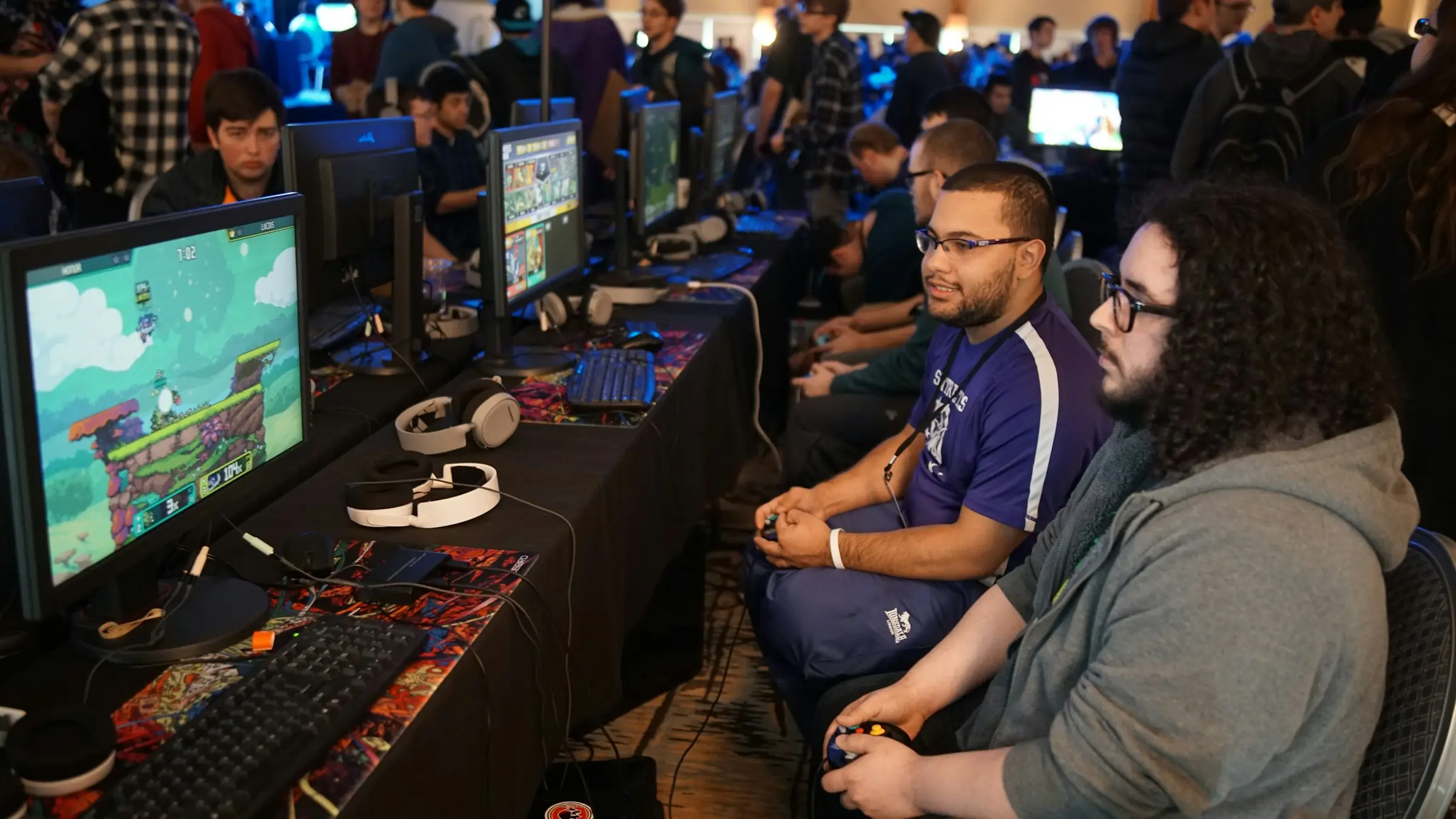
A gaming lounge isn't quite a PC cafe. People come in fours to play FIFA or Tekken on a big screen, order wings and milkshakes, stay for three hours and want to split the bill at the end. playdesk is set up for that. Each PS5, Xbox or PC setup is a station with its own timer, and food orders go straight onto the kitchen's screen, then land on the group's bill.
When they're done, the total can be split evenly, by item or by amount. If one friend has to leave early, they pay their share and go while the others carry on. Regulars can keep a prepaid balance, which also means less cash going through the counter.
Live sessions
3 activeEvery console or PC setup has its own timer that bills by the minute, and it pauses if a controller dies.
Before & after
What changes when you switch
The usual headaches at gaming lounges, and how playdesk deals with each one.
Old way
Console time written on a whiteboard, and the "we only played two hours" argument at the counter.
With playdesk
Every console or PC setup has its own timer that bills by the minute, and it pauses if a controller dies.
Old way
Food orders shouted through to the kitchen and added to the bill from memory.
With playdesk
Food and drink orders show up in the kitchen queue and go on that station's bill.
Old way
Groups of five trying to split one bill with a phone calculator.
With playdesk
Split by person, by item or by amount, and let anyone check out early.
Old way
Weekend evenings booked through Instagram DMs, with no one sure which setups are actually free.
With playdesk
Customers book online against live availability, and walk-ins go on the same calendar.
What you get
What gaming lounges use most
Booking Management
Take bookings at the front desk and from customers with an account. Availability takes in your opening hours, your slot rules, other bookings and whatever is being played right now.
Point of Sale
Sell food, drinks and accessories against a running table, court or PC. Each order is linked to the right space, and can be linked to the right player too.
Session Management
The timer starts when the game does and the bill follows it. No stopwatch at the counter, and no arguing over how long a game ran.
Customer Wallet & Credit
Regulars can top up a wallet in advance or run a tab and pay later, up to a limit you set. Every top-up and payment is on a ledger.
Customer Records
See who your regulars are, what they book, how often they come in and what they spend.
Reports
Daily takings, what sold, and how busy each space was. The dashboard compares the period you pick with the one before it.
Pricing
Pricing for gaming lounges
$14per station, per month
One plan with everything in it. You pay for the stations you have, and if you add or close one, the next bill changes with it.
- No setup fee and no contract
- 14 days free, no card needed
FAQ
Questions about playdesk for gaming lounges
How much does playdesk cost for gaming lounges?
$14 a month for each station, with every feature included. A venue with 8 stations pays $112 a month. There's no setup fee and no contract, and in some countries the price is lower.
Can I charge differently for PS5, Xbox and PC setups?
Yes. Each setup is its own space with its own price, and you can add peak and off-peak rates by time and day.
Do food orders go to the kitchen automatically?
Yes. Orders appear in the kitchen queue as soon as they're placed, and the kitchen moves them from preparing to ready to served. Each item is added to the right station's bill. Printed kitchen tickets aren't available yet.
Can one player leave before the rest of the group?
Yes. They can pay for their own share mid-session and go, and the rest of the bill stays open for everyone else.
Can customers book console and PC gaming stations online?
Yes. Customers with an account can book console and PC gaming stations themselves, and your front desk adds phone bookings and walk-ins to the same calendar. Everyone sees the same availability, and two people can't take the same slot.
Is session time billed automatically?
Yes. The timer starts with the session and bills the time actually played at that space's rate. Paused time isn't charged, and you can set a minimum charge. Nobody needs a stopwatch.
Does it include a point of sale?
Yes. Food, drinks, retail and add-ons go through the same POS and onto the same bill as the session. Kitchen orders show up in a live queue on the kitchen's screen.
Can I try playdesk before paying?
Yes. You get 14 days free, and you don't need a card to start.
More solutions
Other Pod venues we support
Gaming Centers
Gaming center management software for per-minute PC and console billing, prepaid wallets and a snack counter, all on one till.
Esports Venues
Esports venue software for booking team blocks of PCs, running tournament nights next to walk-in play, and billing it all from one till.
VR Arcades
VR arcade software for pod bookings, per-minute session billing and group bills, so a party of six pays once and splits it their way.
Simulator Centers
Booking and billing software for golf simulator bays, racing rigs and flight sims, with each bay priced and timed on its own.
Get started
Ready to run your gaming lounges on playdesk?
14 days free, and you don't need a card to start.
- Free 14-day trial
- No credit card required
- Cancel anytime